Image
Image
Image

It’s simple!

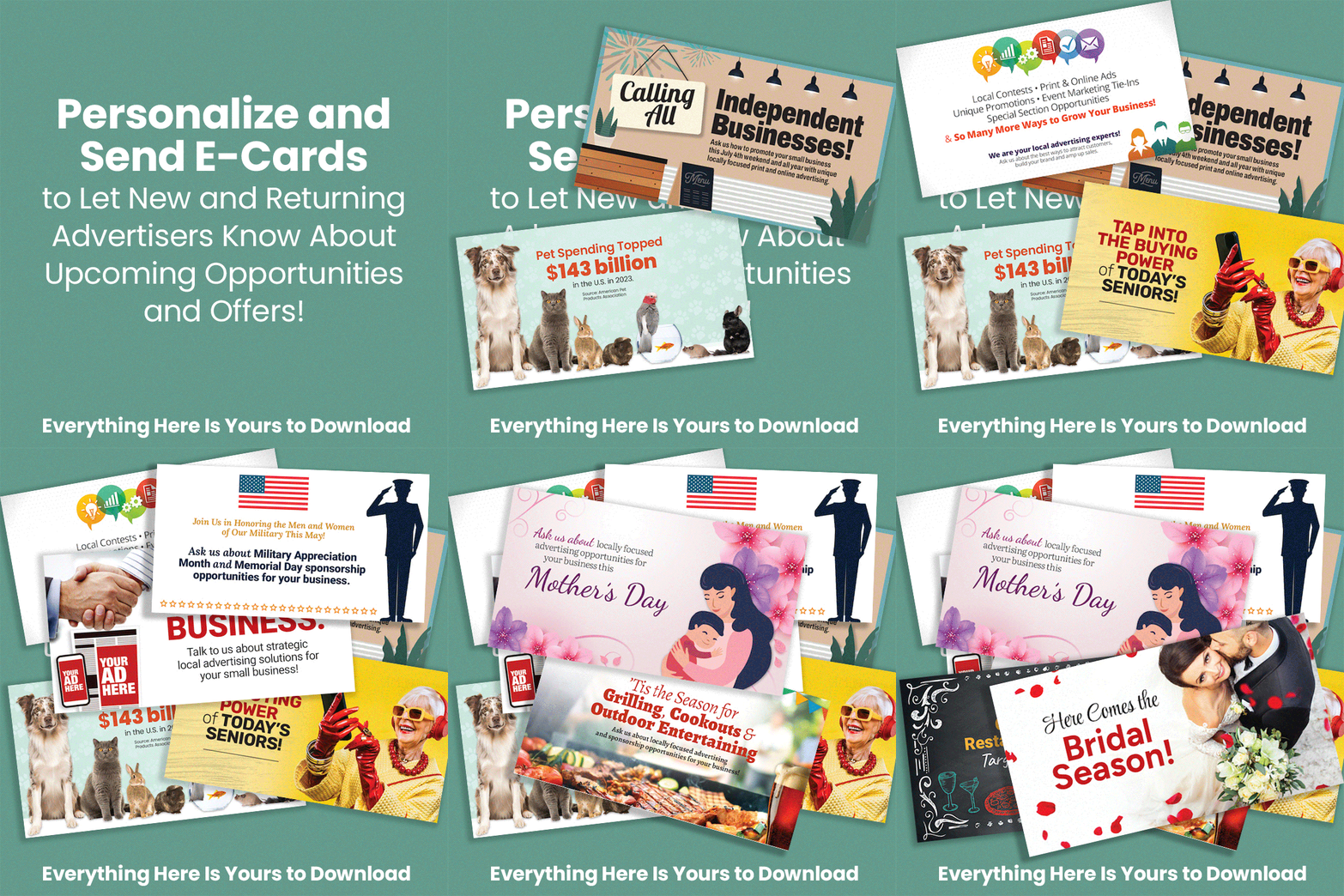
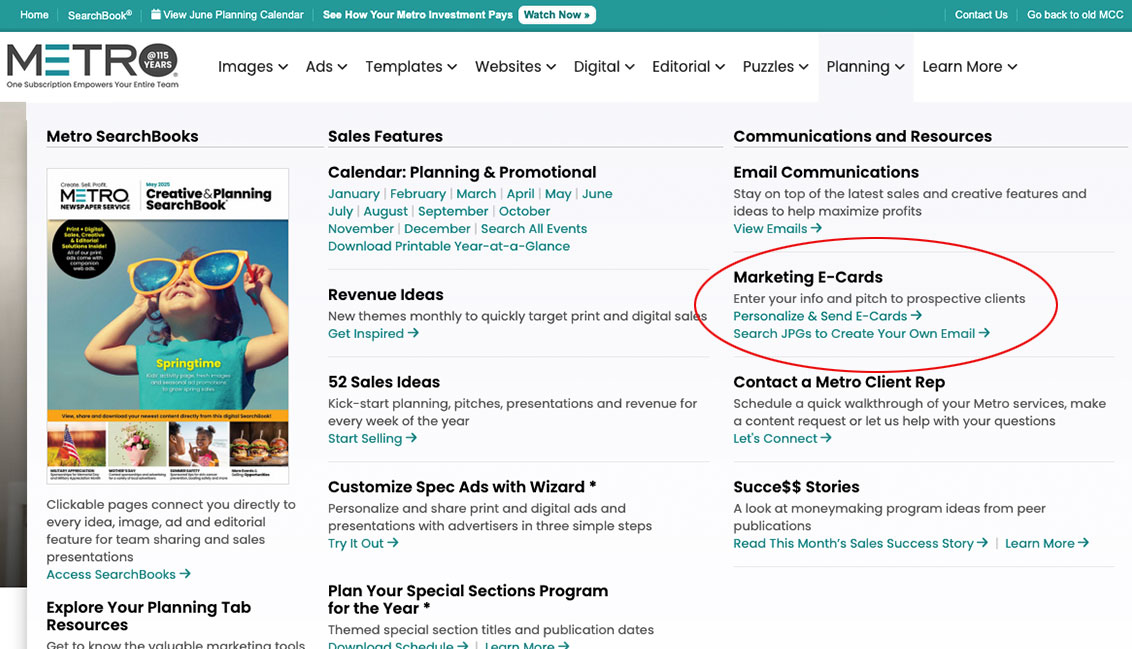
  1. From your Planning menu of MetroCreativeConnection.com (MCC), select Marketing E-Cards to search by category and find designs for holidays, monthly opportunities, general marketing and upcoming events.
  2. Select an e-card to enter your contact info and personalized message to prospects.
  3. Copy and send the formatted design from your email.

Pro tip: Firefox and newer versions of Chrome are recommended for personalizing e-cards. If your browser is not compatible, you can instead download the JPG designs from MCC to send as attachments with your marketing emails. You’ll find links to both options under the Planning menu of your Metro site.
Image
Personalize & Send E-Cards
Search JPGs to Create Your Own Email

Looking for More Sales & Marketing Tools?

Image
Watch This Quick Video to Find Them!
Metro
Metro
Metro
Metro

Digital Marketing Best Practices

Tips for bridging print and digital advertising, accessing your social media assets, email marketing shortcuts, running special sections online, generating trustworthy QR codes and more!

Watch Now

Download Presentation Slides

Meet cmsbot

Learn how to effortlessly build mobile-responsive websites with digital advertising for your local advertisers with no startup costs or contracts… only $15 per month, per active site!

Watch Now

Learn More About cmsbot

Watch Q&A Session

Metro

Need assistance updating logins or adding users?
Call 800.223.1600 or email service@metro-email.com for help anytime.

Metro